How to Prepare for a Sentinel Career Center Appointment
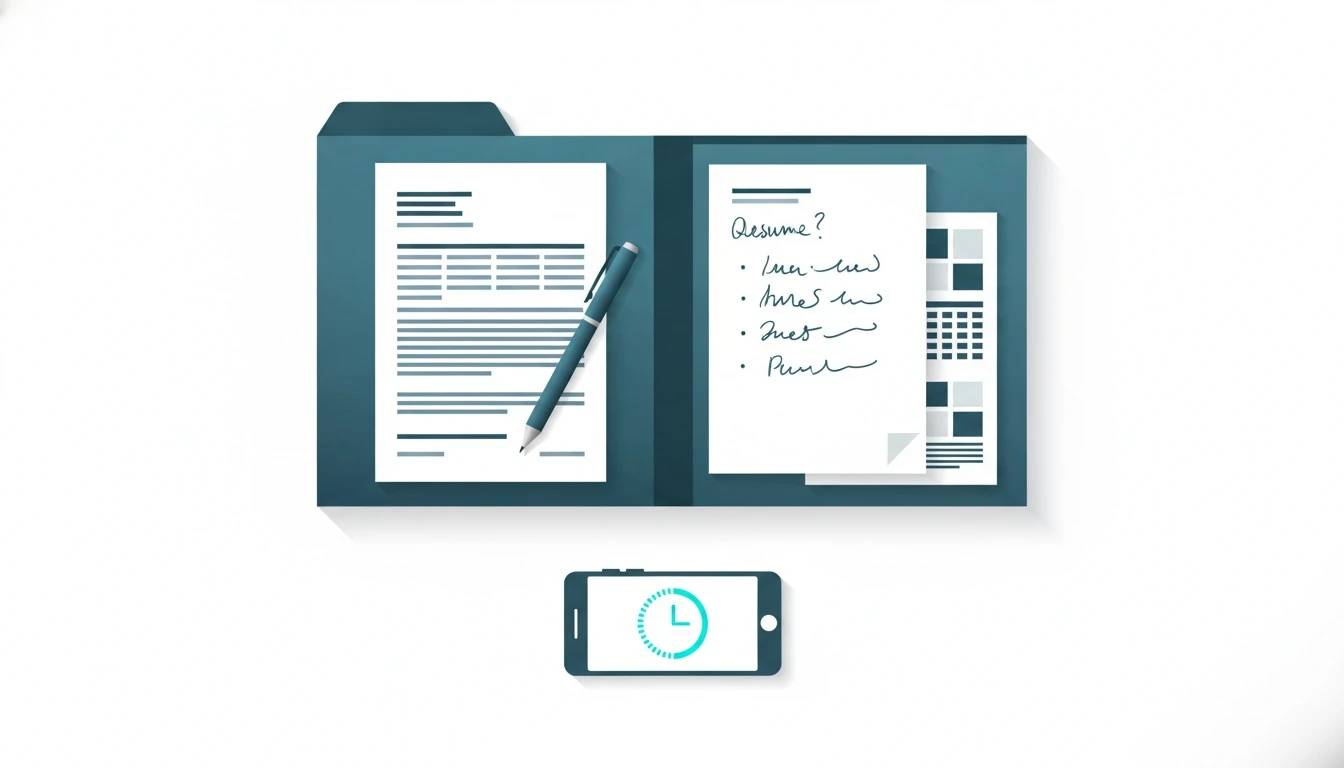
If you have a sentinel career center appointment coming up, you should walk in with three things: a realistic goal, proof of what you have already tried (resume + job links), and a short list of questions. This guide gives you exact scripts, what to bring, how to ask for LinkedIn and ATS feedback, how to run a mock interview, and a 2-week follow-up plan so the meeting actually moves your applications forward.
Set a clear goal for your sentinel career center appointment (before you arrive)
A sentinel career center appointment works best when you treat it like a working session, not a casual chat. Your goal should be measurable and small enough to finish in 30-60 minutes.
Pick one of these “appointment goals” and write it at the top of your notes:
| Goal type | Good goal statement | What success looks like by end of meeting |
|---|---|---|
| Resume | “Fix my bullets for X role and make it ATS-ready.” | 3 rewritten bullets + a checklist of edits |
| Internship search | “Build a shortlist of 10 internships I can apply to this week.” | 10 saved links + a plan for outreach |
| Interview | “Practice my elevator pitch and 5 common questions.” | Recorded feedback + next practice steps |
| “Make my profile recruiter-readable.” | New headline, About, and 1 featured item |
One strong sentence you can say at the start: “I want to use this session to leave with a ready-to-send resume and a clear list of roles to apply for this week.”
If you are still figuring out what roles fit, say that directly. Career staff can help, but only if you give them something real to react to: your interests, constraints, and timeline.
What to bring: resume, job links, and questions

What to bring to a sentinel career center meeting is simple, but most students show up with only a half-finished resume and hope. Bring a mini “evidence pack” so the advisor can diagnose fast.
Bring a resume in two formats: a PDF (what recruiters see) and an editable file (what you will change live). If you are unsure about formatting, Google’s own guidance on job application documents is practical and plain: keep it readable and avoid weird layouts that break parsing. The Google Search Central guidance on structured data and parsing principles is for websites, but the lesson applies to resumes too: machines prefer clean structure.
Bring 2-3 job or internship links you actually want. Not “marketing internship” searches. Real postings. If you do not know where to find good listings, start from a curated list like job search sites for internships and entry-level roles so you are not wasting time on spammy boards.
Bring a question list. Not “Any tips?” Real questions that force useful answers. Here are scripts you can copy into your notes (say them exactly like this):
- “Which 3 resume changes will increase my interview rate for this role?”
- “What keywords from this job description should appear in my top half?”
- “Which projects should I feature if I have limited experience?”
- “Can we rewrite my weakest bullet together so I can copy the pattern?”
- “What should my LinkedIn headline say if I’m targeting X internship?”
- “Can we do a 10-minute mock interview and score my answers?”
Also bring proof of effort. A screenshot of applications you already submitted or a simple list of roles you tried helps the advisor avoid repeating basic steps.
If you are balancing academics too, bring a basic study planner view of your week. Career plans fail when there is no time budget. Two hours a week beats “I’ll grind later.”
How to ask for LinkedIn and ATS feedback (and actually get edits)
How you ask matters. “Can you review my LinkedIn?” usually gets surface-level advice. Ask for recruiter-facing outcomes.
Start with ATS. ATS means Applicant Tracking System, the software many employers use to store and search resumes. You do not need to fear it. You need to format for it.
Say this: “Can we check if my resume is ATS-readable for this exact job description? I want to match keywords without copy-pasting the whole posting.”
Then hand them the job post and point to two sections of your resume: Summary (or top bullets) and Experience/Projects. Your goal is to align language. Harvard’s Office of Career Services has a clear breakdown of what makes bullets strong and scannable in a real hiring context. Use it as a benchmark: Harvard OCS resume and cover letter guides.
Now LinkedIn. LinkedIn is not a second resume. It is a searchable profile. Ask for two specific things: headline and first 3 lines of your About section.
Use this exact prompt: “Can you rewrite my LinkedIn headline so it matches the roles I’m applying for, and make my About section start with a clear ‘who I am + what I’m targeting’?”
If you need inspiration, bring 2-3 linkedin profile examples you like. Not influencer profiles. Find students or early-career people in your target role and compare structure: headline, skills, featured projects, and clarity.
One more important safety note: if you ever get weird DMs claiming “LinkedIn or Interpol” or threatening messages, treat them as scams. We broke down what to do step-by-step in how to handle “LinkedIn or Interpol” DMs. Career prep includes protecting your identity.
How to request mock interview practice and evaluate answers
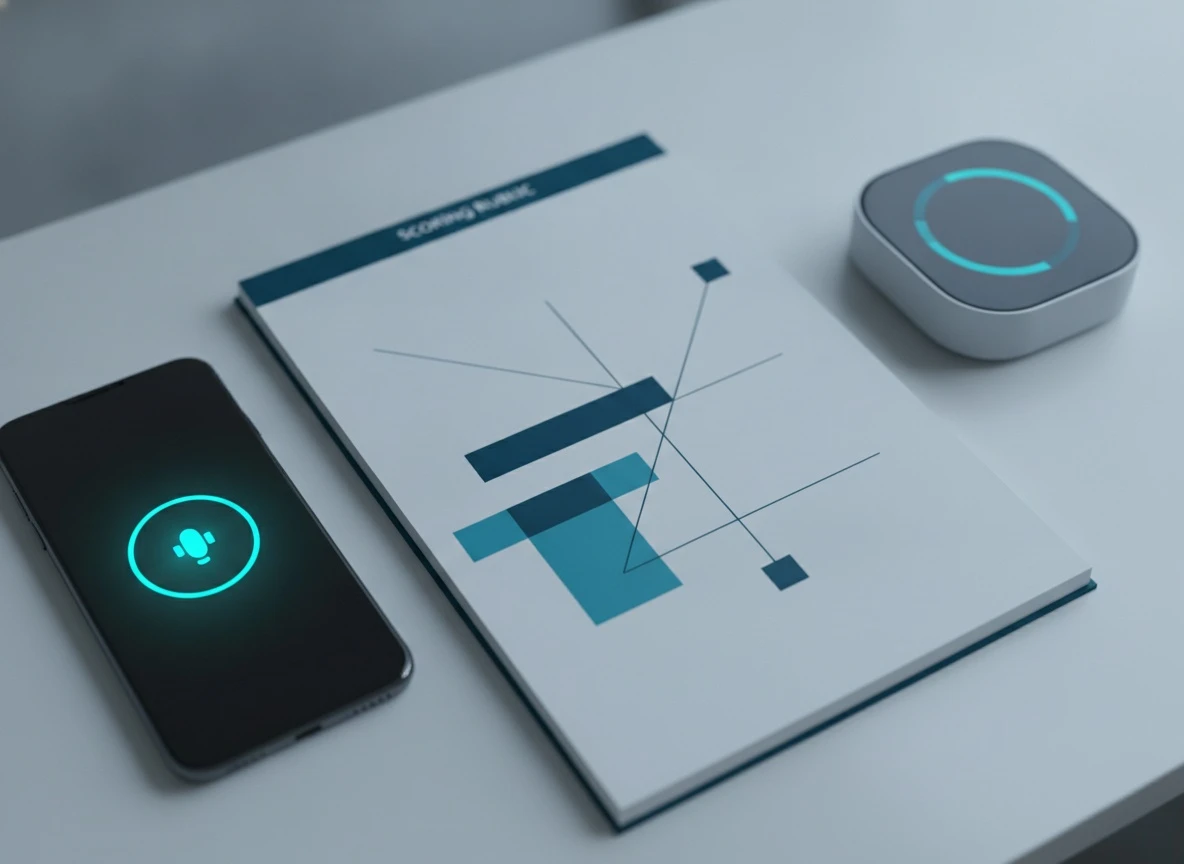
Mock interviews are where you get the fastest confidence boost, but only if you run them like a test. A good sentinel career center mock interview includes timing, scoring, and a redo.
Open with this: “Can we do a 10-15 minute mock interview for this role, then pause and score my answers using a simple rubric?”
Ask them to pick 5 questions: 2 behavioral, 2 technical or role-specific, and 1 pressure question. Make sure at least two are common interview questions because you will see them everywhere. If you are interviewing for a campus job or retail, you can even request starbucks interview questions style prompts because they test customer scenarios and communication.
For education roles, ask for teacher interview questions. For more senior internships, ask one “reflection” prompt similar to exit interview questions, because it tests maturity: what you learned, what you would change, how you handle feedback.
Use a simple evaluation rubric. You can write this in your notes and score yourself 1-5:
| Skill | What “good” sounds like | What to fix if it’s weak |
|---|---|---|
| Structure | Clear beginning, middle, end | Use STAR and stop rambling |
| Evidence | Numbers, tools, outcomes | Add metrics, name the project |
| Role fit | Mentions the job’s priorities | Tie back to the posting |
| Communication | Calm pace, no filler | Pause, shorten sentences |
| Reflection | Owns mistakes, shows learning | Add “what I’d do next time” |
The framework that works in real interviews is STAR (Situation, Task, Action, Result). It is not magic, but it prevents messy answers. If you want the official definition, even Wikipedia’s summary is accurate and quick: STAR interview response technique.
One line that instantly improves answers: “The result was…” followed by a number. “Saved 3 hours/week,” “improved accuracy by 15%,” “handled 20+ customers/day,” “grew a club from 10 to 40 members.” If you do not have numbers, estimate honestly and label it as approximate.
Ask for one redo. Always. The redo is where learning locks in.
How to follow up and keep momentum for 2 weeks (with a simple tracker)
The biggest mistake after a sentinel career center meeting is treating it like a one-time event. The real value comes from what you do in the next 14 days.
Before you leave the appointment, ask: “Can we write my next 5 action items with deadlines?” If you do not leave with deadlines, you will procrastinate. That is normal. Build around it.
Here is a simple 2-week tracker you can copy into Notes, Sheets, or Notion. Keep it boring. Boring gets done.
| Day | Action | Time budget | Output to prove it happened |
|---|---|---|---|
| 1 | Apply resume edits + LinkedIn headline | 60 min | Updated PDF + profile screenshot |
| 2 | Find 10 roles and save links | 45 min | Link list |
| 3 | Apply to 2 roles | 60 min | Confirmation screenshots |
| 4 | Outreach to 3 people (alumni/recruiters) | 30 min | Sent messages |
| 5 | Mock interview practice (record yourself) | 30 min | 1 recording |
| 8 | Apply to 2 more roles | 60 min | Confirmation screenshots |
| 10 | Career fair prep or networking event plan | 45 min | 30-second pitch written |
| 12 | Follow-up messages | 20 min | Sent messages |
| 14 | Review results and adjust | 30 min | Next-week plan |
For outreach, do not overthink. Use a simple message:
“Hi [Name], I’m a [year/major] student exploring [role]. I liked your path into [company/team]. Could I ask 2 quick questions about what helped you get your first internship?”
If you are a high school student reading this, yes, you can still do a version of this plan. Focus on internships for high school students, volunteering, and project portfolios. A guidance counselor can help with local options, but your outreach and project proof will still matter.
Track outcomes, not feelings. In two weeks, you should know: how many roles you applied to, how many replies you got, and which interview answers still sound weak.
If you want an all-in-one place to practice this without a paywall, that’s why we built MentorWise AI. We’re students too, and we got tired of career tools locking basics behind credit cards.
Ready to turn your sentinel career center appointment into a real plan? If you want help organizing your resume, mock interview practice, LinkedIn edits, and internship search steps in one place, message us at MentorWise AI contact support and tell us what your appointment date is. We’ll help you walk in prepared and walk out with next steps.
Key Takeaways
- Bring a one-page resume, 2-3 role links, and 6 questions so your appointment turns into decisions, not awkward silence.
- Ask for ATS and LinkedIn feedback using specific prompts so you leave with edits you can apply the same day.
- Use the 2-week tracker in this guide to measure applications sent, replies, and interview readiness after your meeting.